


Products
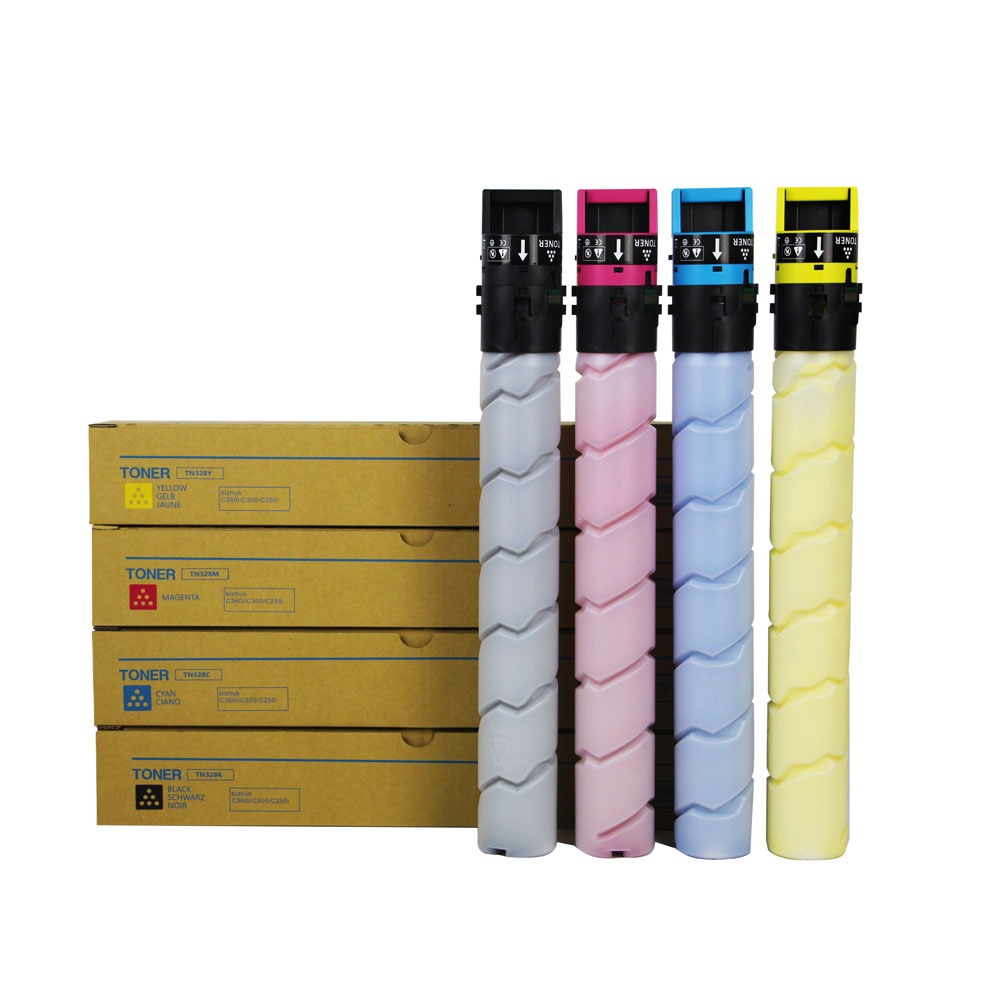
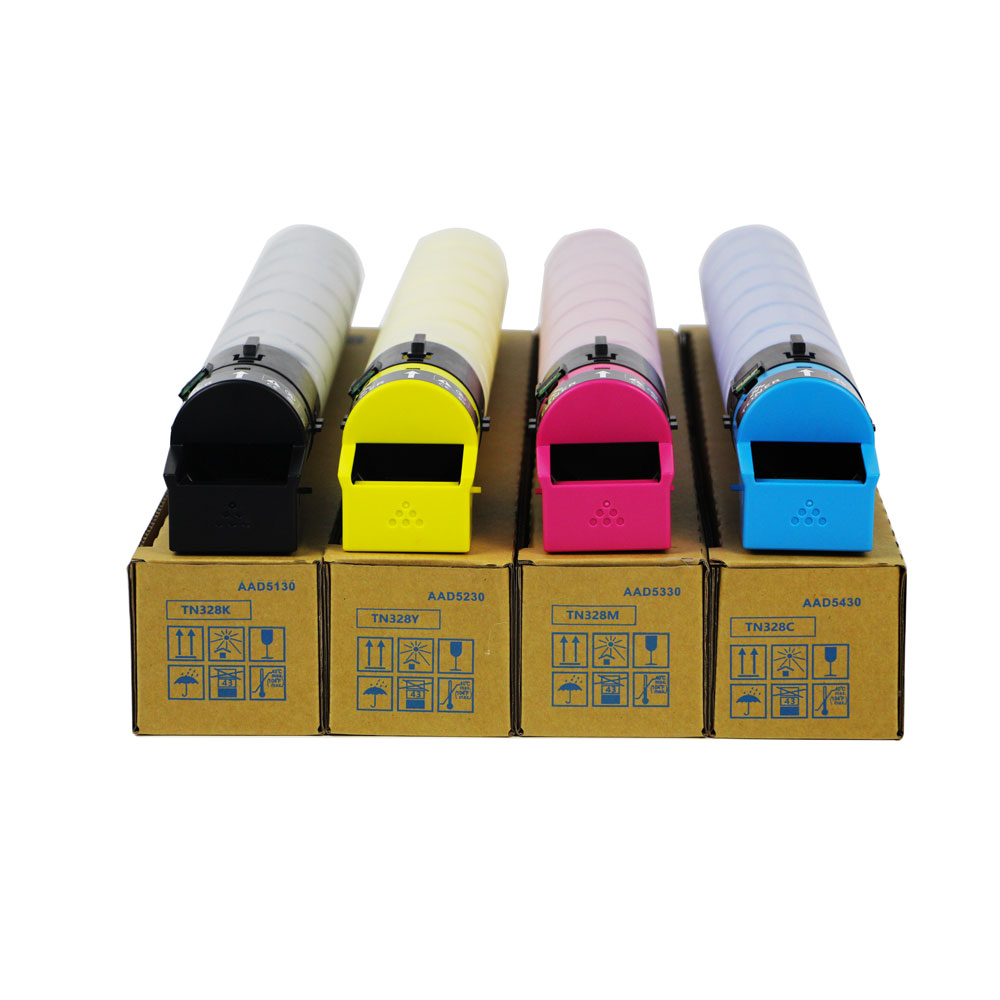
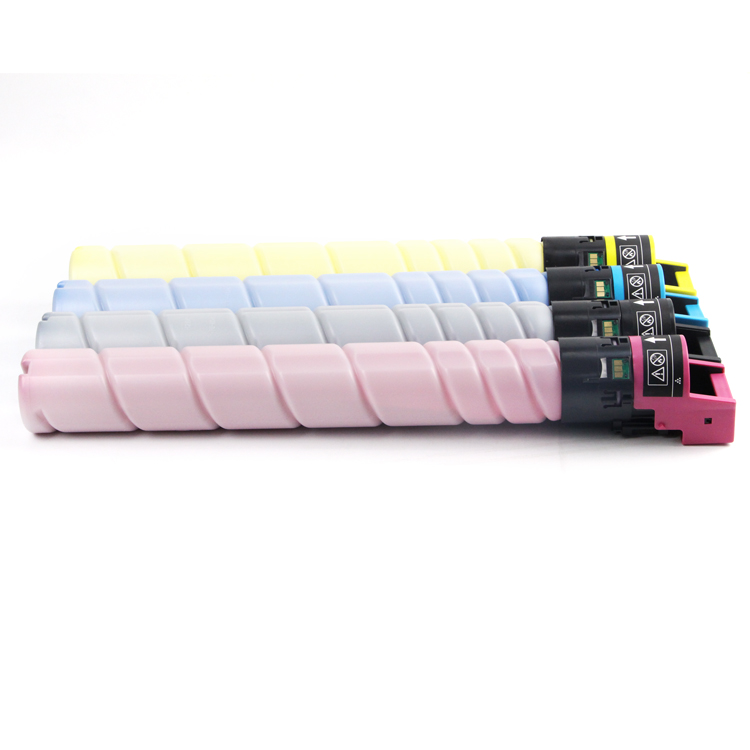
Free sample for Toner Box Printer - TN328 Color Toner Cartridge Compatible for Konica Minolta Bizhub C250i C300i C360i 7130i – JCT
Free sample for Toner Box Printer - TN328 Color Toner Cartridge Compatible for Konica Minolta Bizhub C250i C300i C360i 7130i – JCT Detail:
Quick Details
| Type | Compatible Toner Cartridge |
| Compatible Model | Konica Minolta |
| Brand Name | Custom / Neutral |
| Model Number | TN328 |
| Color | BK C M Y |
| CHIP | TN328 has inserted a chip |
| For use in | Konica Minolta Bizhub C250i C350i C360i C7130i |
| Page Yield | Bk:27,000(A4, 5%) , Color:25,000(A4, 5%) |
| Packaging | Neutral Packing Box (Customization Support) |
| Payment method | T/T bank transfer, Western Union |
→ If you are interested in our products, send us inquiry for more details.
Compatible Printers
For Konica Minolta Bizhub C250i
For Konica Minolta Bizhub C350i
For Konica Minolta Bizhub C360i
For Konica Minolta Bizhub C7130i
Why Choose JCT?
The ink cartridge is too expensive (excluding the nozzle). Many people want to extend the service life of the ink cartridge in various ways to reduce costs. Here are two ways to prolong the life of the ink cartridge.
False ink change
Some printers measure the ink consumption not by detecting the ink in the ink cartridge, but by calculating the total print quantity of characters. For the sake of safety, the ink in the ink cartridge is much more than the rated ink consumption of this “counter”. We can set the “counter” to zero by using the “false ink change” method, so that the original ink cartridge can still be used for printing, as long as there is ink in it.
Take the epson color series inkjet printer as an example
The specific operation method is as follows: When the “ink out indicator” on the printer flashes, press the “ink change button” on the printer panel, the ink cartridge holder will automatically slide to the ink change position, remove the cover of the ink cartridge holder, but do not take out the ink cartridge, then close the cover of the ink cartridge holder, press the ink change button on the printer panel, the printer will start to perform the ink filling action, and after the ink filling is completed, You will see that the ink level indicator bar in the printer operation interface is full again. Now you can use the scrapped ink cartridge again. After “false ink change”, the ink in the ink cartridge can be completely consumed, which can increase the original print volume by at least 50%.
The problem after “false ink change” is that when the ink in the ink cartridge is really exhausted, the ink cartridge cannot be replaced by the usual method. However, you can press the Clean button. When the ink cartridge rack moves to the position where the ink cartridge is replaced, you can forcibly turn off the printer’s power supply. Then you can lift the cover of the ink cartridge rack and remove the ink cartridge that has no ink, just like normal ink replacement. At this time, do not put a new ink cartridge in, and then turn on the printer’s power again. At this time, the printer detects that there is no ink, and the “ink out indicator” will flash. Next, you can change the ink according to the normal method.
According to the instructions of epson, the ink cartridge can not be used after it is removed. The reason is that the special structure of the ink cartridge leads to air entering the nozzle pipe if the ink cartridge is removed midway, which may lead to wire breakage during printing. In addition, the broken wire must be cleaned for several times before the air can be drawn out, which will waste a lot of ink. Therefore, in order to prevent this situation from occurring and the user cannot handle it, epson warns the user that the ink cartridge cannot be used after it is removed. Of course, the effect of this method on some printers is not ideal.
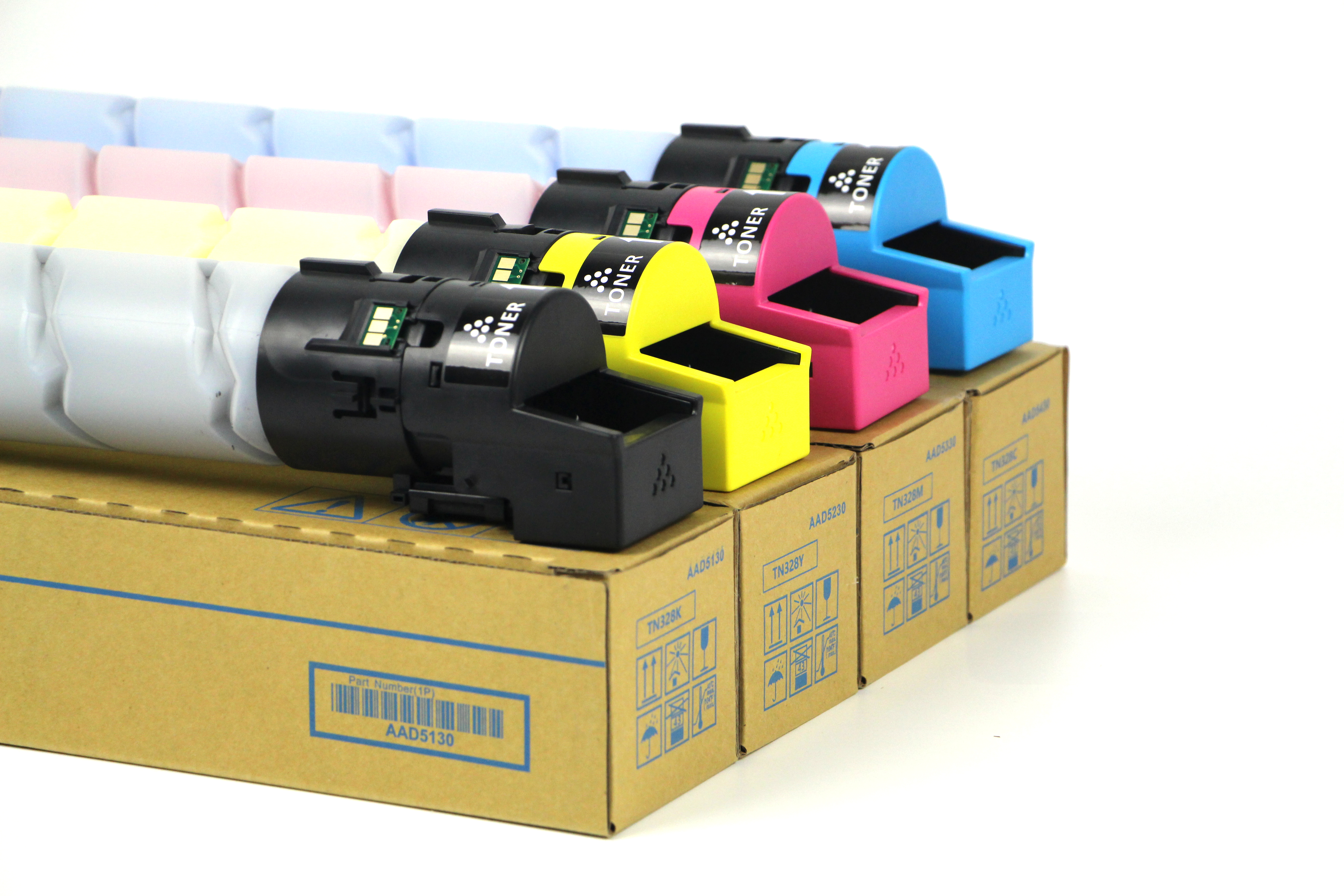
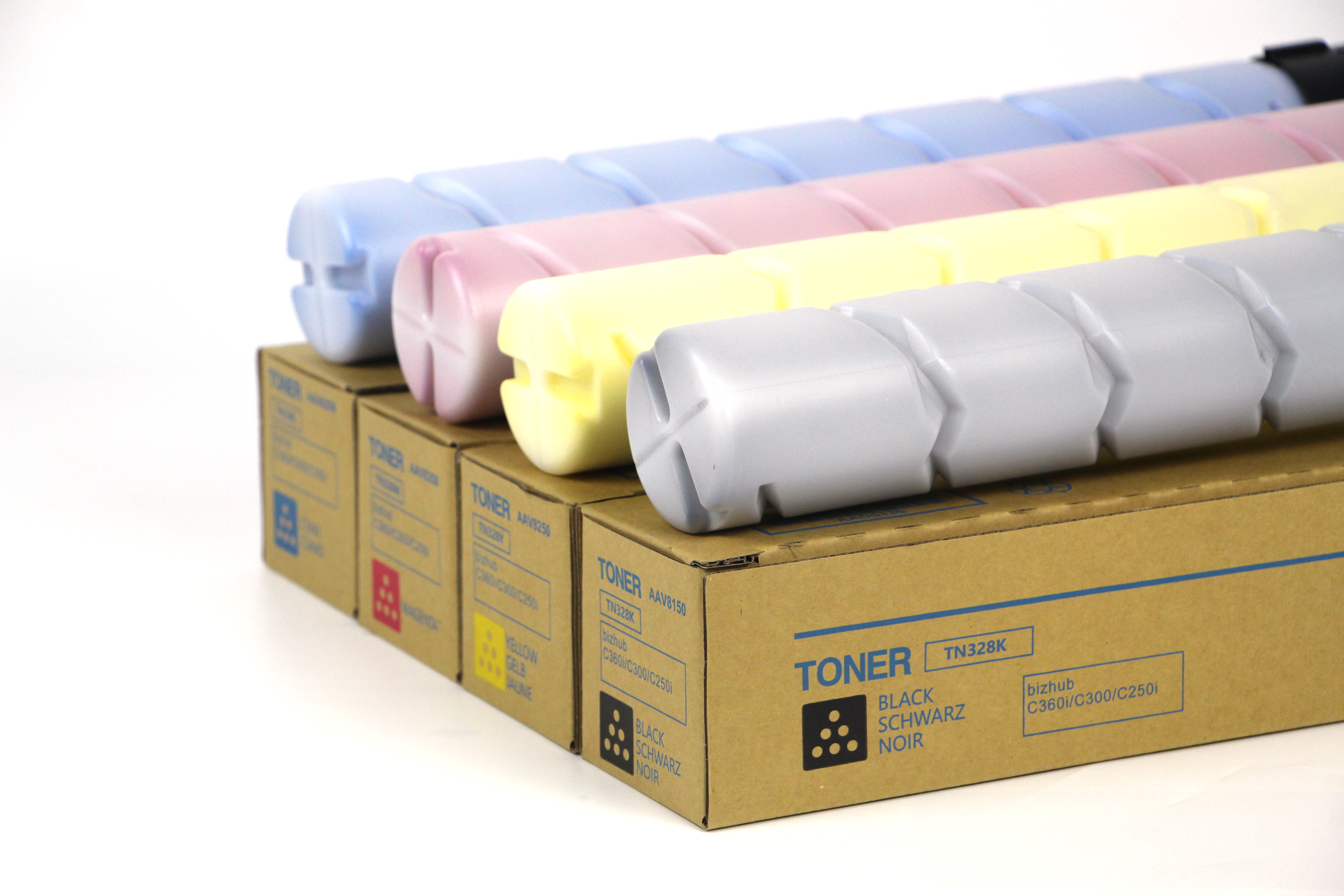
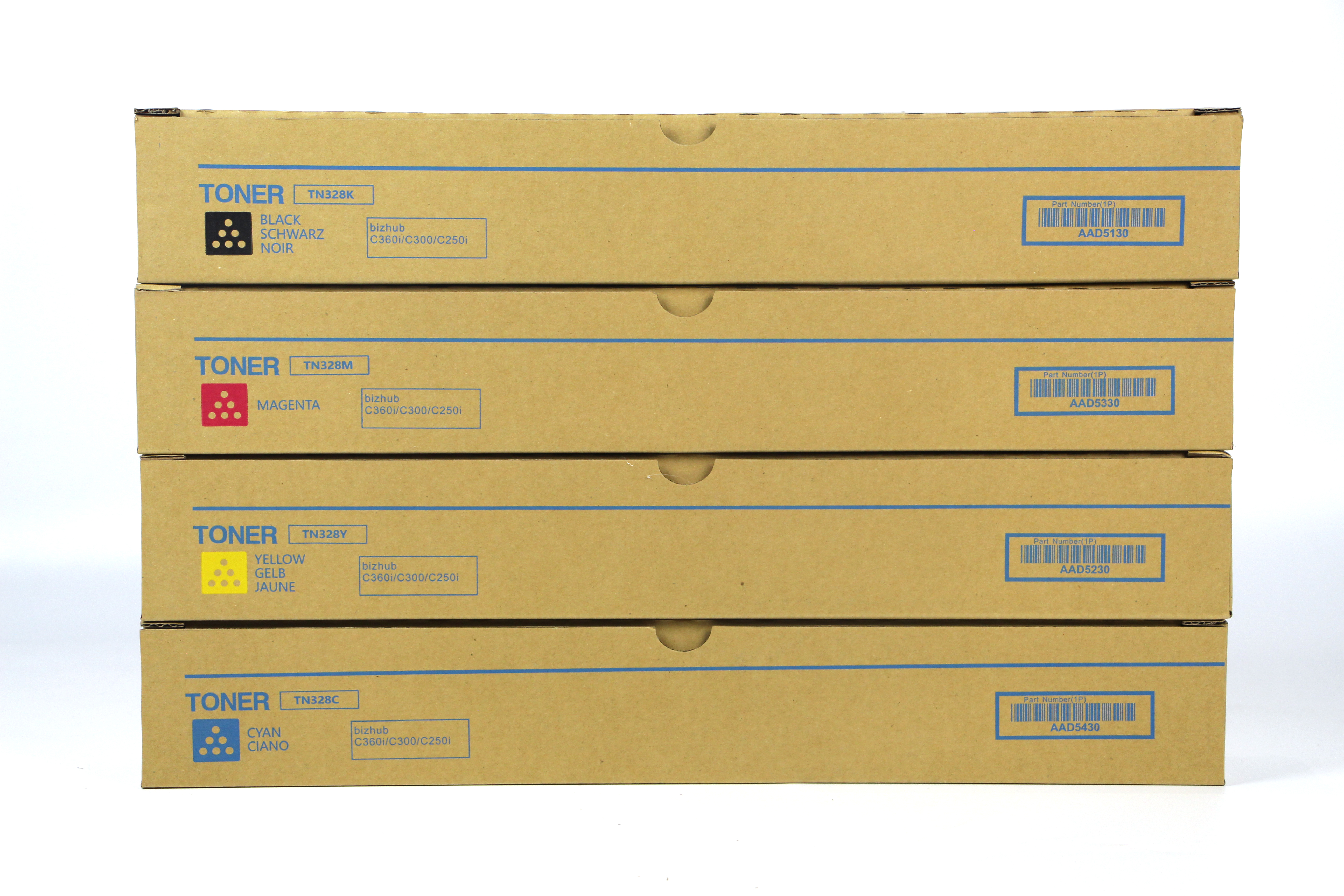
Product detail pictures:
Related Product Guide:
Sticking to the principle of Super Quality, Satisfactory service ,We are striving to be a good business partner of you for Free sample for Toner Box Printer - TN328 Color Toner Cartridge Compatible for Konica Minolta Bizhub C250i C300i C360i 7130i – JCT , The product will supply to all over the world, such as: luzern , Bangladesh , Spain , We have advanced production technology, and pursuit innovative in goods. At the same time, the good service has enhanced the good reputation. We believe that as long as you understand our product, you need to be willing to become partners with us. Looking forward to your inquiry.
 By Annie
from South Africa
- 2018.09.21 11:01
By Annie
from South Africa
- 2018.09.21 11:01
This company can be well to meet our needs on product quantity and delivery time, so we always choose them when we have procurement requirements.
By Jean
from Afghanistan
- 2017.06.22 12:49
Products categories
-
Reasonable price for Compatible Developer Powde...
-
Manufactur standard Remanufactured Drum Unit - ...
-
2022 wholesale price Fuser Assy - For Xerox V8...
-
100% Original Wx 103 Waste Toner Box - For Xer...
-
Trending Products Ricoh Mp C401 Toner - TN619 ...
-
Competitive Price for Ricoh 201 Toner - Kyocer...