


Products
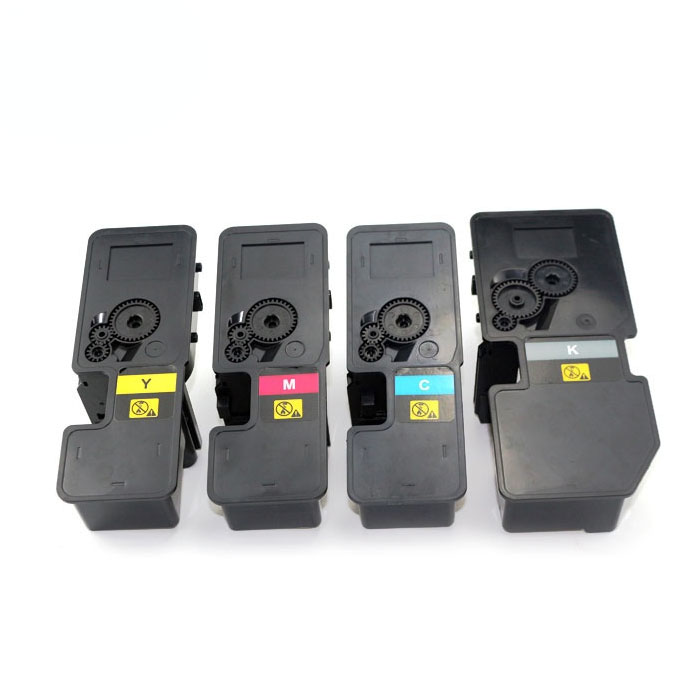
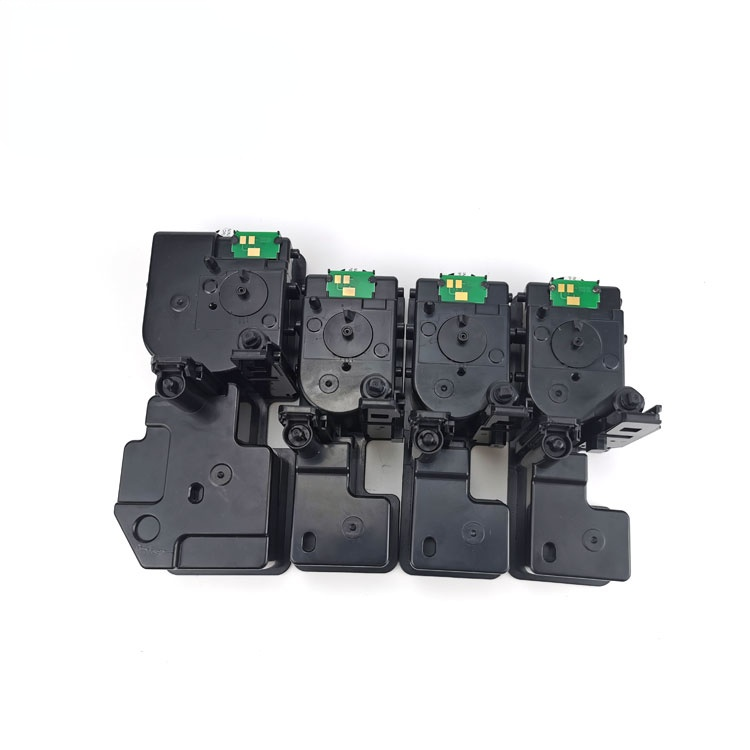
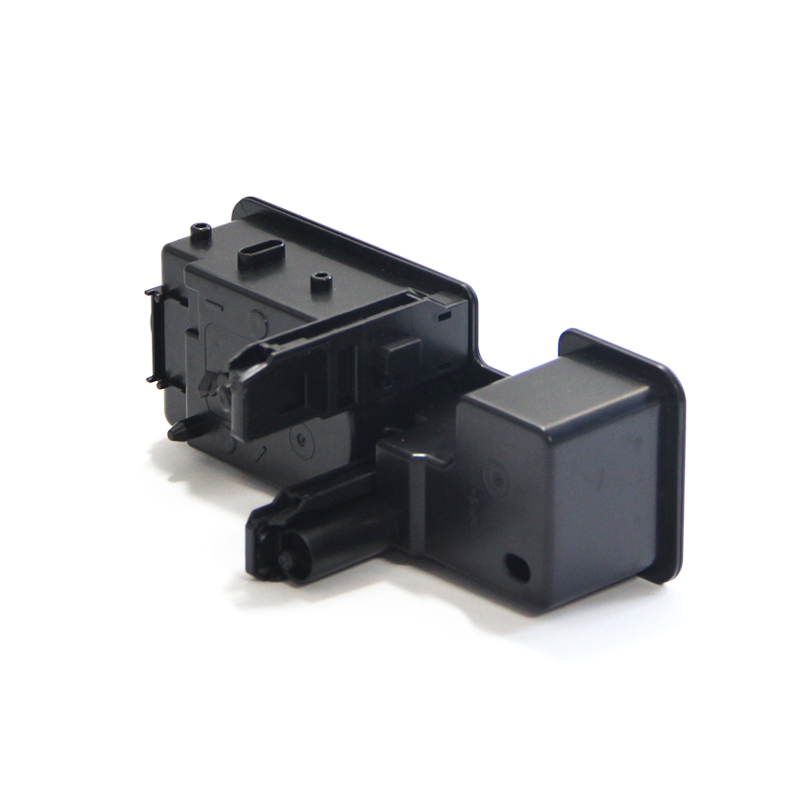
Discount Price Ricoh C2003 Toner - Kyocera TK5430 TK5440 Compatible Toner for ECOSYS PA2100cwx/PA2100cx/MA2100cfx/MA2100cwfx – JCT
Discount Price Ricoh C2003 Toner - Kyocera TK5430 TK5440 Compatible Toner for ECOSYS PA2100cwx/PA2100cx/MA2100cfx/MA2100cwfx – JCT Detail:
Quick Details
| Type | Compatible Toner Cartridge |
| Compatible Model | KYOCERA |
| Brand Name | Custom / Neutral |
| Model Number | TK5430 / TK5440 |
| Color | BK C M Y |
| CHIP | With Chip |
| For use in | KYOCERAECOSYS PA2100cwx/PA2100cx/MA2100cfx/MA2100cwfx |
| Page Yield | TK5430 Bk:12,000(A4, 5%) , Color:12,000(A4, 5%) TK5440 Bk:26,000(A4, 5%) , Color:26,000(A4, 5%) |
| Packaging | Neutral Packing Box (Customization Support) |
→ If you are interested in our products, send us inquiry for more details.
Compatible Printers
For KYOCERA ECOSYS PA2100cwx
For KYOCERA ECOSYS PA2100cx
For KYOCERA ECOSYS MA2100cfx
For KYOCERA ECOSYS MA2100cwfx
100% Satisfaction Guarantee
● Compatible products are produce with quality New & Recycled components in ISO9001/14001 certified factories
● Compatible products have a 12 months performance guarantee
● Genuine/OEM Products have a one year manufacturer warranty
Why Choose JCT?
● Strong technical team. Our engineering director has more than 12 years of experience in the copier products
● Support One-Stop OEM ODM customization service.
● Fast Delivery. Factory monthly capacity output is up to 200,000 compatible toner cartridges.
How to check printer toner remaining?
1. If the printer is still printing the toner cartridge report, you can check the remaining toner amount by printing the self-test or supplies status report. First in the printer’s settings panel, click the “wrench icon” button, and then the display box shows “Main Menu”, in the printer’s settings panel, click the back arrow button, in the printer’s settings panel, select “Click the “OK” button, and then the printer will print out the status of the supplies and show the remaining toner in the toner cartridge.
2.most printers use the touch screen or LCD control panel, the user can display the amount of toner on the printer. Use the control panel navigation menu, find and select the “supplies status” option, enter the supplies status will be able to view the printer remaining toner.
3.remaining toner. First of all, the user needs to confirm that the computer has been properly installed printer driver, and connected, and then start the printer. Search HP on the Windows device, and then select HP Solution Center or printer name from the list of results, the amount of toner will be displayed on the main window of the printer software.
How to remove the toner cartridge from the printer?
1, first need to first open the lid above.
2, after opening the lid, you will find a green rod on the left side to play a fixed role, will support the lid. When the lid is closed, you have to pull the green rod downward and forward, you can close the lid.
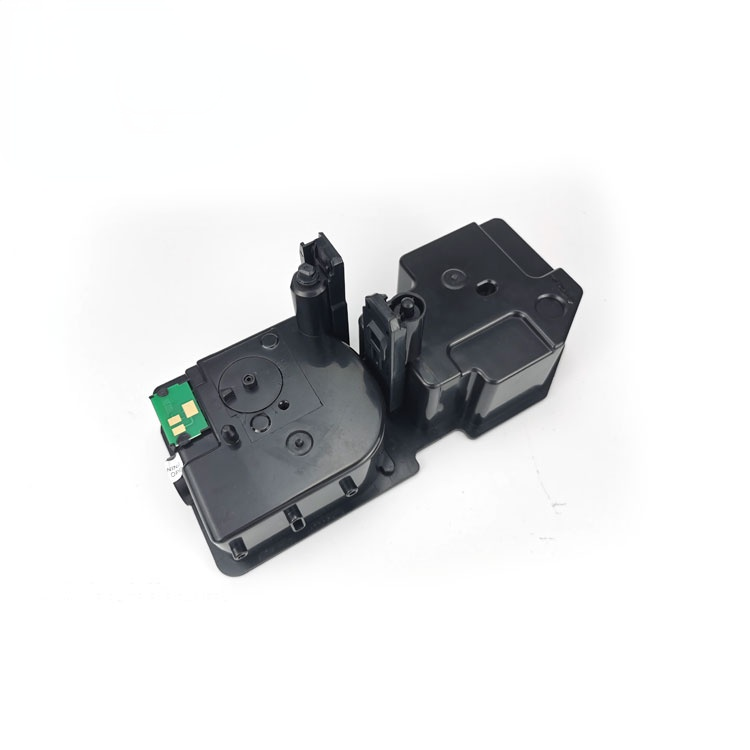
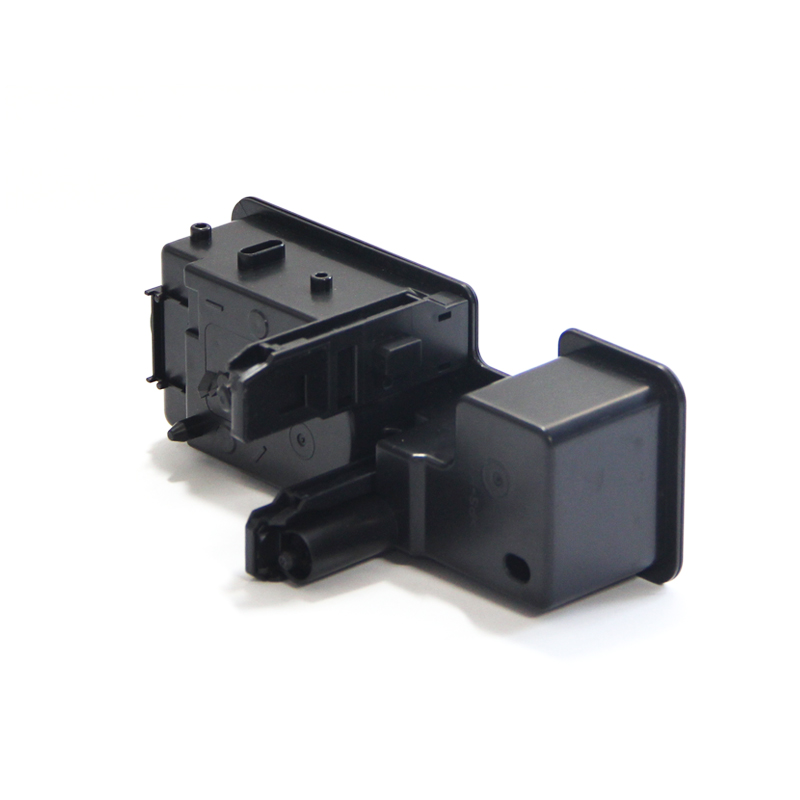
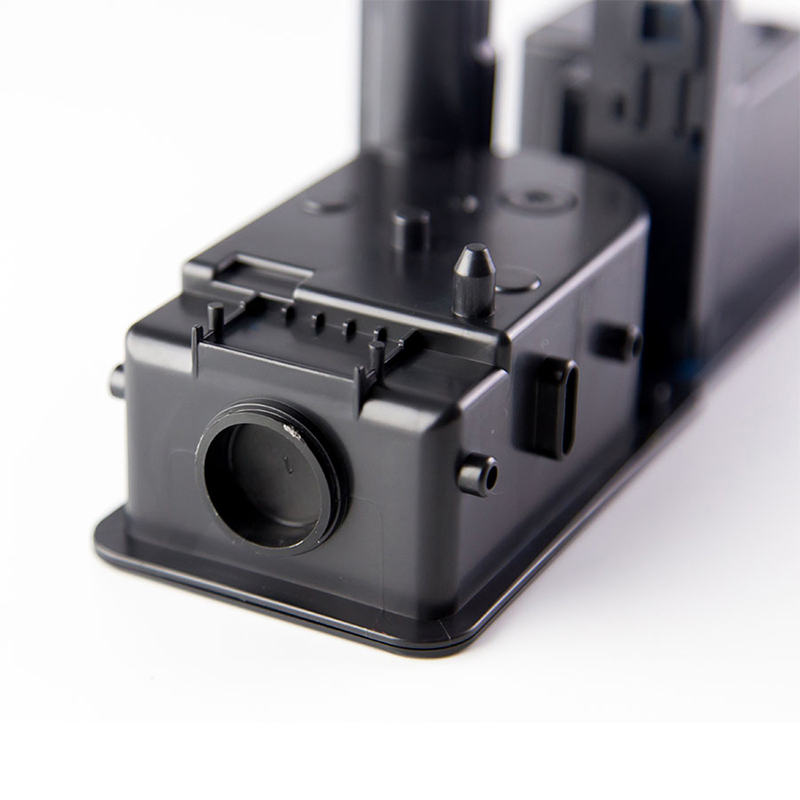
3, then open the bottom of the cover, you will see the internal toner cartridge and its components, use your hands to remove it. 4, the toner cartridge components are removed.
Printer (Printer) is one of the output devices for computers, invented by John Waters in cooperation with Dave Donald in 1976. Printers are mainly used to print the results of computer processing on the relevant media, can be divided into laser printers, inkjet printers, percussion printers and other types of well-known printer brands such as Lenovo, Hewlett-Packard, Epson, Maicron. The printer was invented by John Waters, Dave Donald cooperation. The results of computer calculations or intermediate results to human recognition of numbers, letters, symbols and graphics, etc., in accordance with the prescribed format printed on paper equipment. Printers are developing in the direction of light, thin, short, small, low power consumption, high speed and intelligence.
The rapid development of the Internet, paperless era is approaching, the end of the printer has arrived. However, global paper consumption is growing at an exponential rate every year, and printer sales are increasing at an average rate of nearly 8%. All of this predicts that printers will not only not disappear, but will develop faster and faster, the application of a wider and wider field. From the world’s first printer in 1885, to the emergence of a wide variety of needle printers, inkjet printers and laser printers, they have led the way in different eras, today let us seek the footprints of history, from technology, brands and products, application markets and target consumers in three areas, review the glorious history of inkjet printers, while the future development trend of the jet fight for a brief analysis.
Product detail pictures:
Related Product Guide:
The corporation upholds the philosophy of Be No.1 in high quality, be rooted on credit rating and trustworthiness for growth, will continue to serve outdated and new consumers from home and overseas whole-heatedly for Discount Price Ricoh C2003 Toner - Kyocera TK5430 TK5440 Compatible Toner for ECOSYS PA2100cwx/PA2100cx/MA2100cfx/MA2100cwfx – JCT , The product will supply to all over the world, such as: Kazakhstan , Nairobi , Paris , Our company has built stable business relationships with many well-known domestic companies as well as oversea customers. With the goal of providing high quality products to customers at low cots, we've been committed to improving its capacities in research, development, manufacturing and management. We have honored to receive recognition from our customers. Till now we have now passed ISO9001 in 2005 and ISO/TS16949 in 2008. Enterprises of quality of survival, the credibility of development for the purpose, sincerely welcome domestic and foreign businessmen to visit to discuss cooperation.
 By Anastasia
from Irish
- 2017.07.28 15:46
By Anastasia
from Irish
- 2017.07.28 15:46
On this website, product categories is clear and rich, I can find the product I want very quickly and easily, this is really very good!
By Olivia
from European
- 2017.02.28 14:19
Products categories
-
New Fashion Design for Triumph Adler Toner Cart...
-
Newly Arrival Konica Minolta Bizhub 206 Develop...
-
Leading Manufacturer for Dv512k Developer Unit ...
-
Online Exporter Toner Cartridge Compatible - ...
-
Factory directly Bizhub C458 Developer Unit - ...
-
Trending Products Ricoh Ink Cartridges - TN619...